How is this different from archived reports?
Archived reports last, keep a long history and serve dashboard widgets and scheduled emails. Feinwerk Data
Exploration is for questions you ask once or now: no setup, no waiting for archiving, at most 31 days, nothing is
saved as a report.
What does a saved exploration keep, and who sees it?
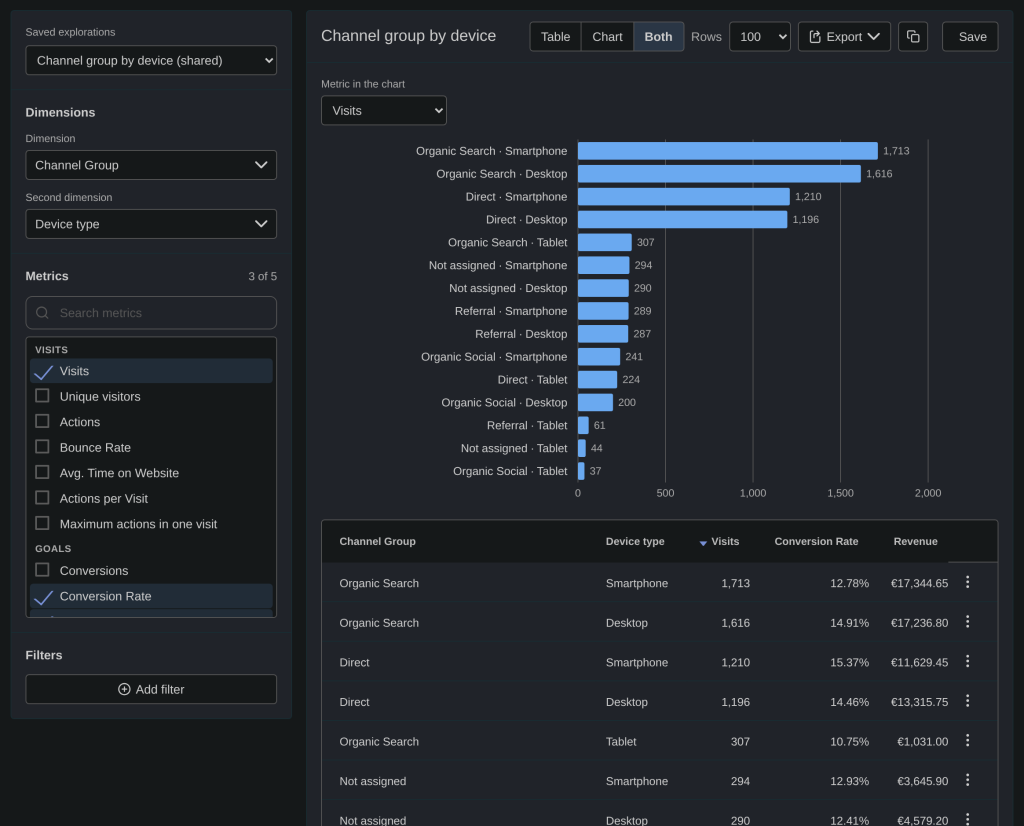
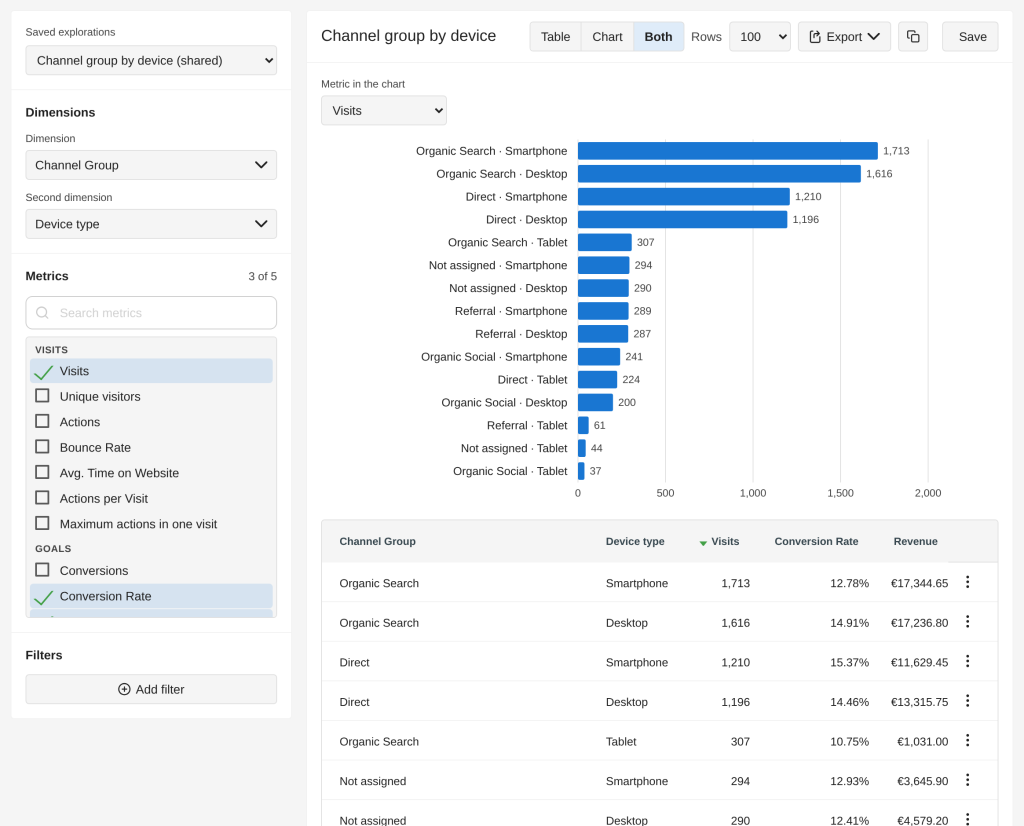
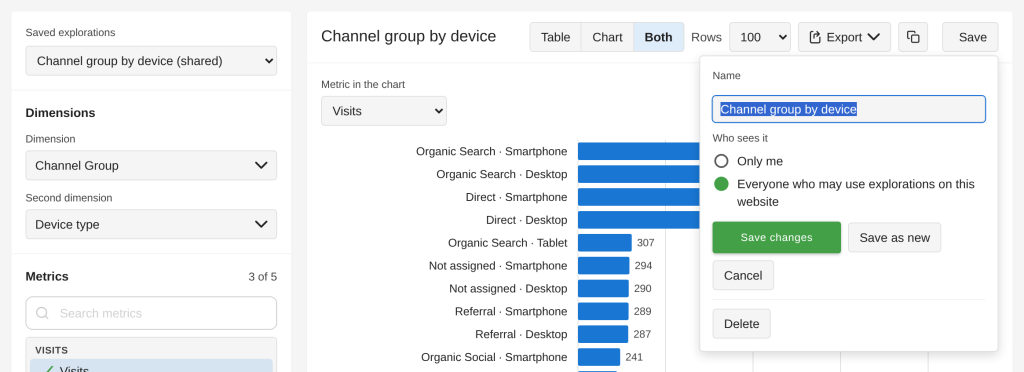
Its dimensions, metrics, goal, filters, sorting, number of rows, view and chart metric, and its segment. Not the
period: it opens with the period you have selected, so one exploration serves last week as well as today. A private
exploration is seen only by you; a shared one by everyone who may use explorations on the website (never by
anonymous users). Sharing needs at least write access to the website; with view access you save explorations for
yourself. Only the person who saved it, or a super user, can change or delete it. Each person can save up
to 100 explorations per website.
Why at most 31 days?
Explorations read raw data. A month keeps the queries fast and protects your database. For long periods, archived
reports are the right tool.
Why can anonymous users not use explorations?
Explorations query raw data and can be expensive, so they are only for signed-in users, even when anonymous users
may see the site's reports.
Why do the visits next to page URLs not add up to the total?
Next to an action dimension, visits count the visits that had this action. A visit with three pages counts on three
rows.
Why can an exploration differ from an archived report?
If Matomo deletes old raw data (Administration → Privacy → Anonymize data → delete old raw data), explorations only
see the days still present; the page shows the earliest complete day. Archived reports may also group rare values
under "Others"; explorations list single values up to the row limit instead.
Does an exploration slow down Matomo?
Every exploration checks the number of visits first and offers a shorter period when one is too large, stops queries
that take too long, and runs at most two at the same time. If your Matomo has a read replica, explorations use it.
How does it behave on large websites and long periods?
An exploration reads the raw data of the period, so its time grows with the rows it reads: visits for visit dimensions
(channel, country, device), actions for page, event, download or outlink dimensions, which are often many times the
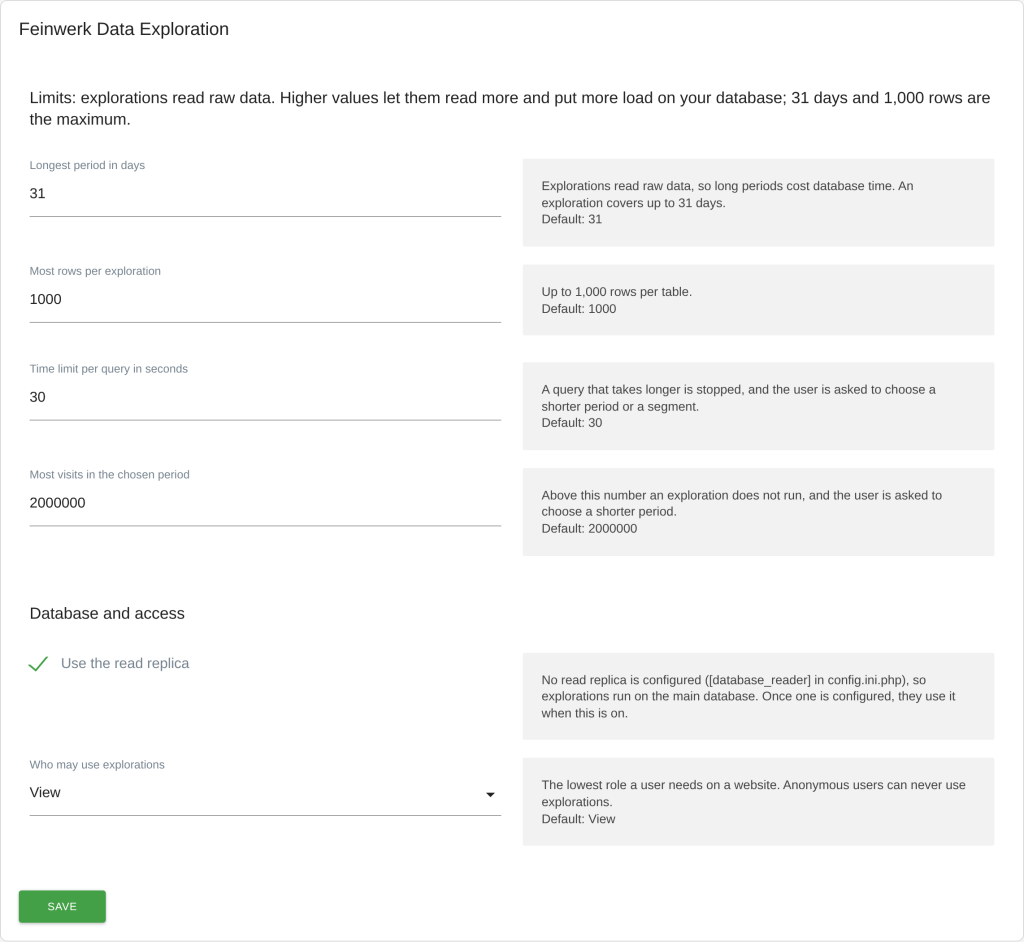
visits. Before exploring, the page counts the visits of the period: above a quarter of the threshold (default
2 million) it warns, above the threshold it offers the most recent days of the period that fit. A query that
takes longer than the time limit (default 30 seconds) is stopped, and after a slow exploration the page says how to
make it faster. Results, visit counts and filter values are kept for an hour (five minutes while today is included),
so going back to an earlier exploration is instant, and a few quick changes start only one query.
What happens when a period is too large?
The page offers the most recent days of the period that fit the threshold, and one click loads them. When even a
single day is too large, super users can raise the visit threshold in the settings (a segment does not help here:
the threshold counts all visits of the period).
Where do administrators see how explorations run?
In Matomo's System Check (Administration → Diagnostic → System Check): whether a read replica is used, whether
the database stops long queries, whether old raw data is deleted, and the limits in force.
What can I do when an exploration stops at the time limit?
- Choose a shorter period, for example one week instead of a month.
- Add a segment, so fewer visits are read.
- Use a visit dimension instead of pages or events, or leave out the action metrics.
- Super users can let explorations run on a read replica (
[database_reader] in config/config.ini.php) and raise
the time limit when the database has room for it.
- Database operators of large instances: enough memory for temporary tables (MariaDB:
tmp_table_size and
max_heap_table_size, MySQL 8: temptable_max_ram) and a buffer pool that holds the indexes of the log tables
help large explorations.
- For questions you ask regularly over long periods, archived reports are the better tool.